Which slicers can open the files?
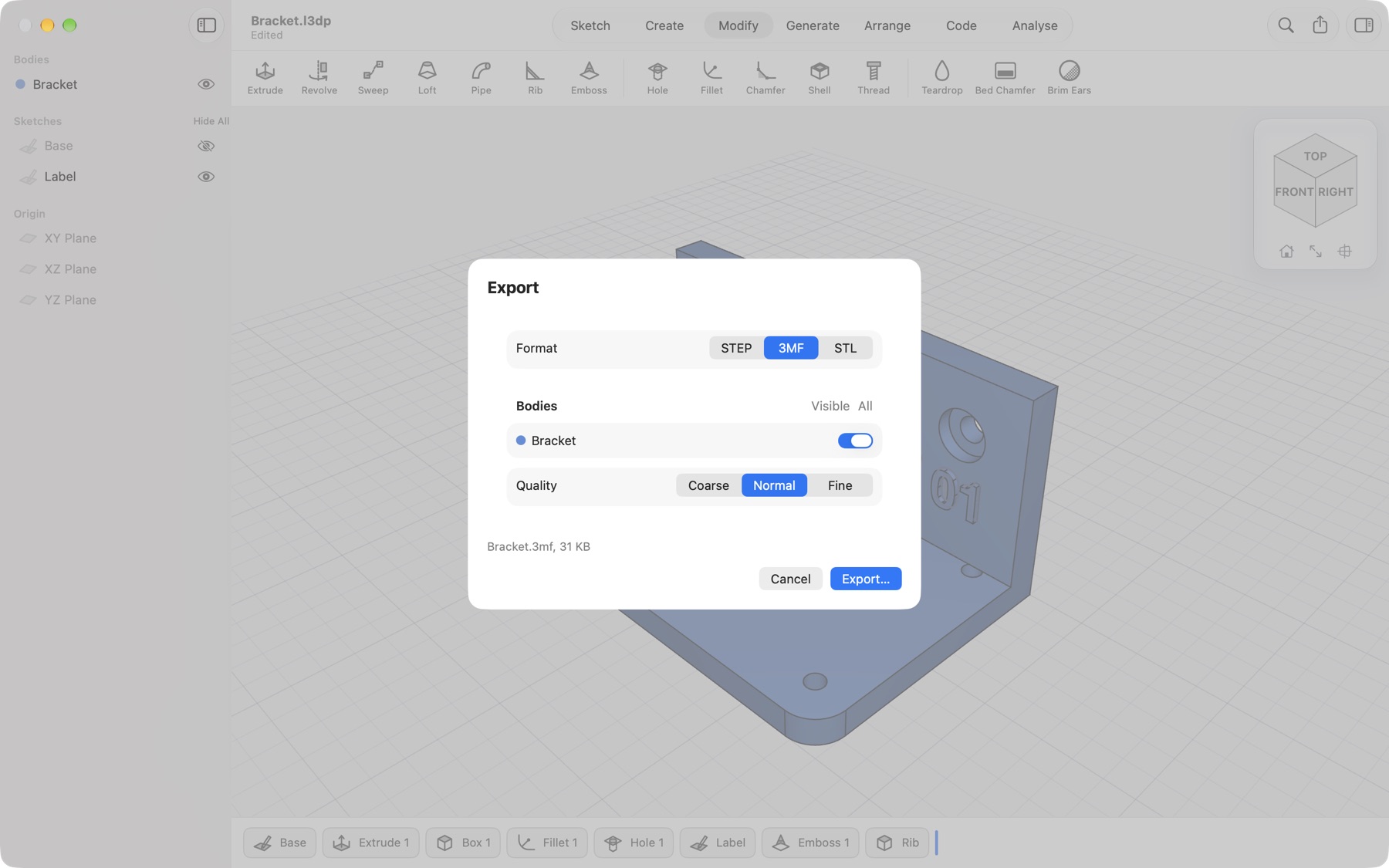
STEP files open in Bambu Studio, PrusaSlicer (2.5 and later), OrcaSlicer and most CAD apps. 3MF and STL files open everywhere.
Do I need an account or internet connection?
No. Lets3dPrint works offline and has no account. Purchases use your Apple Account through the App Store.
What is free and what needs Pro?
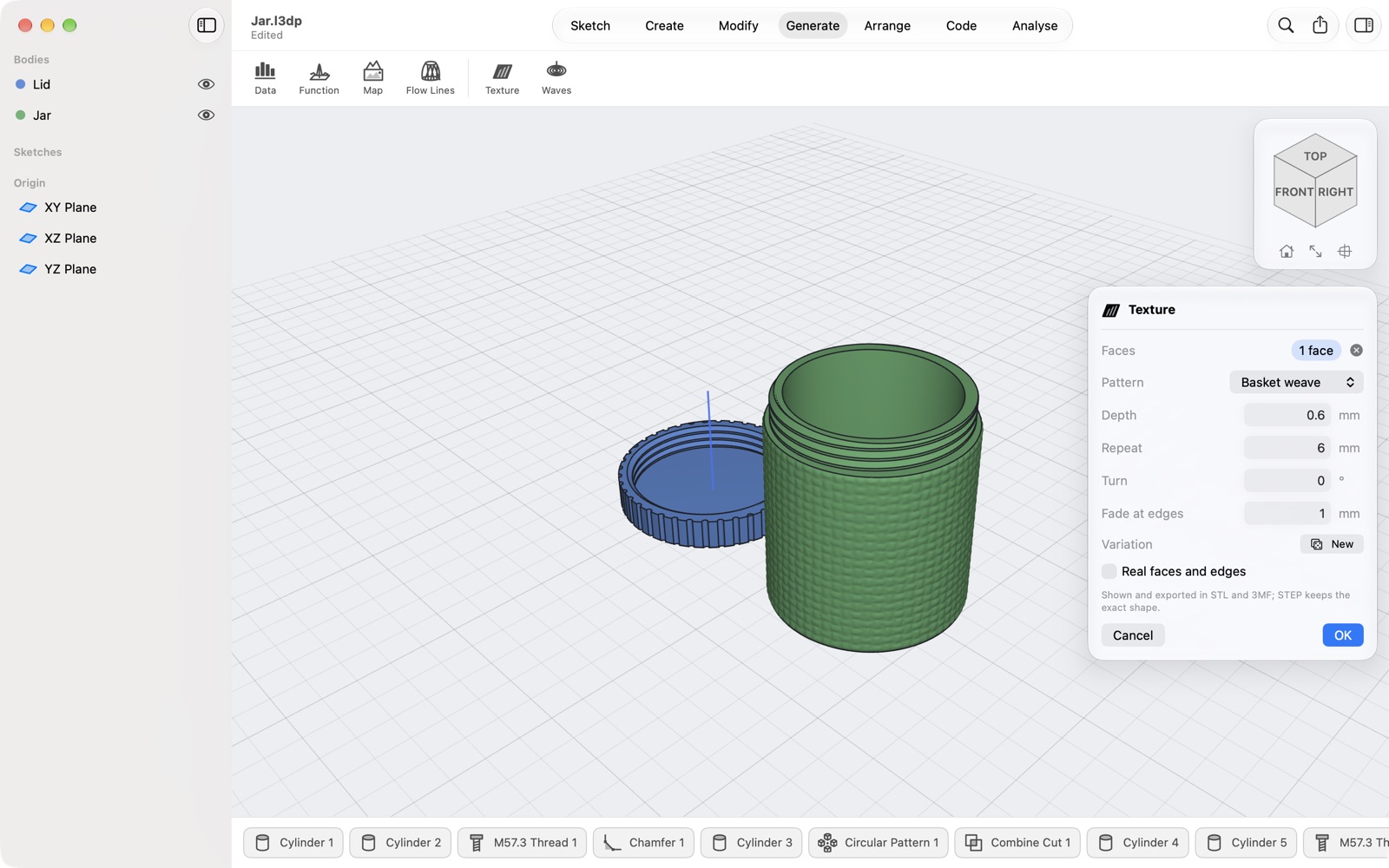
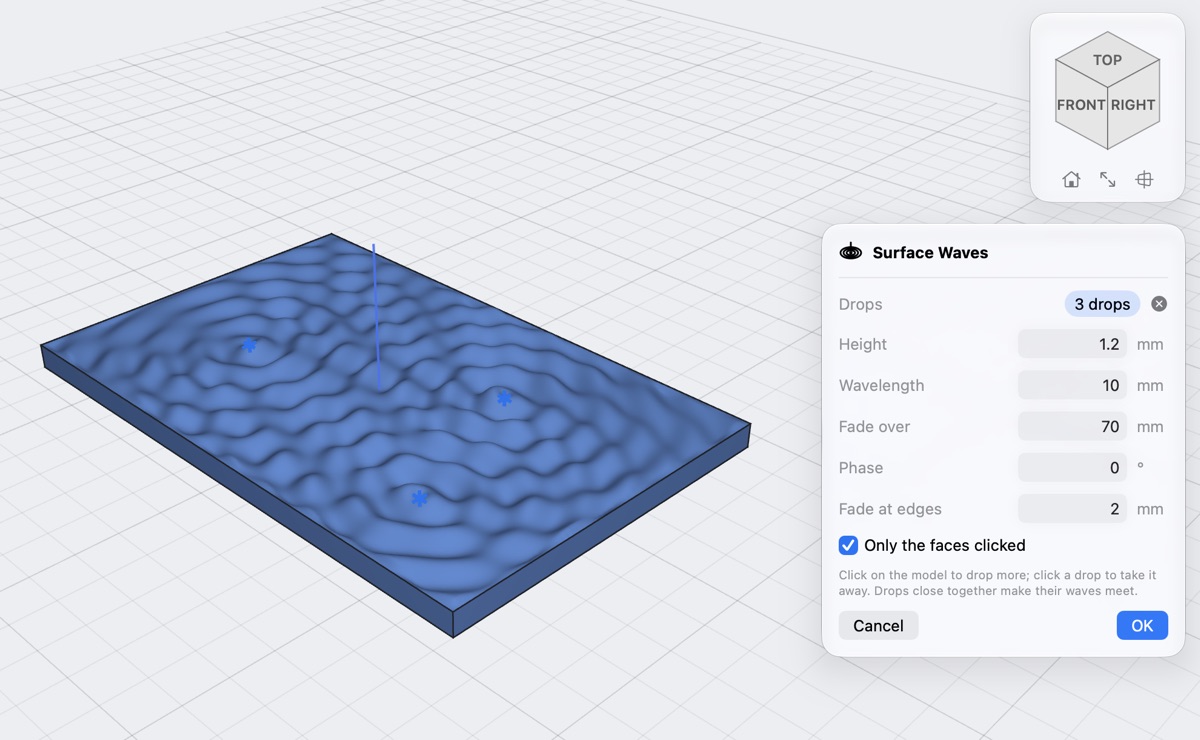
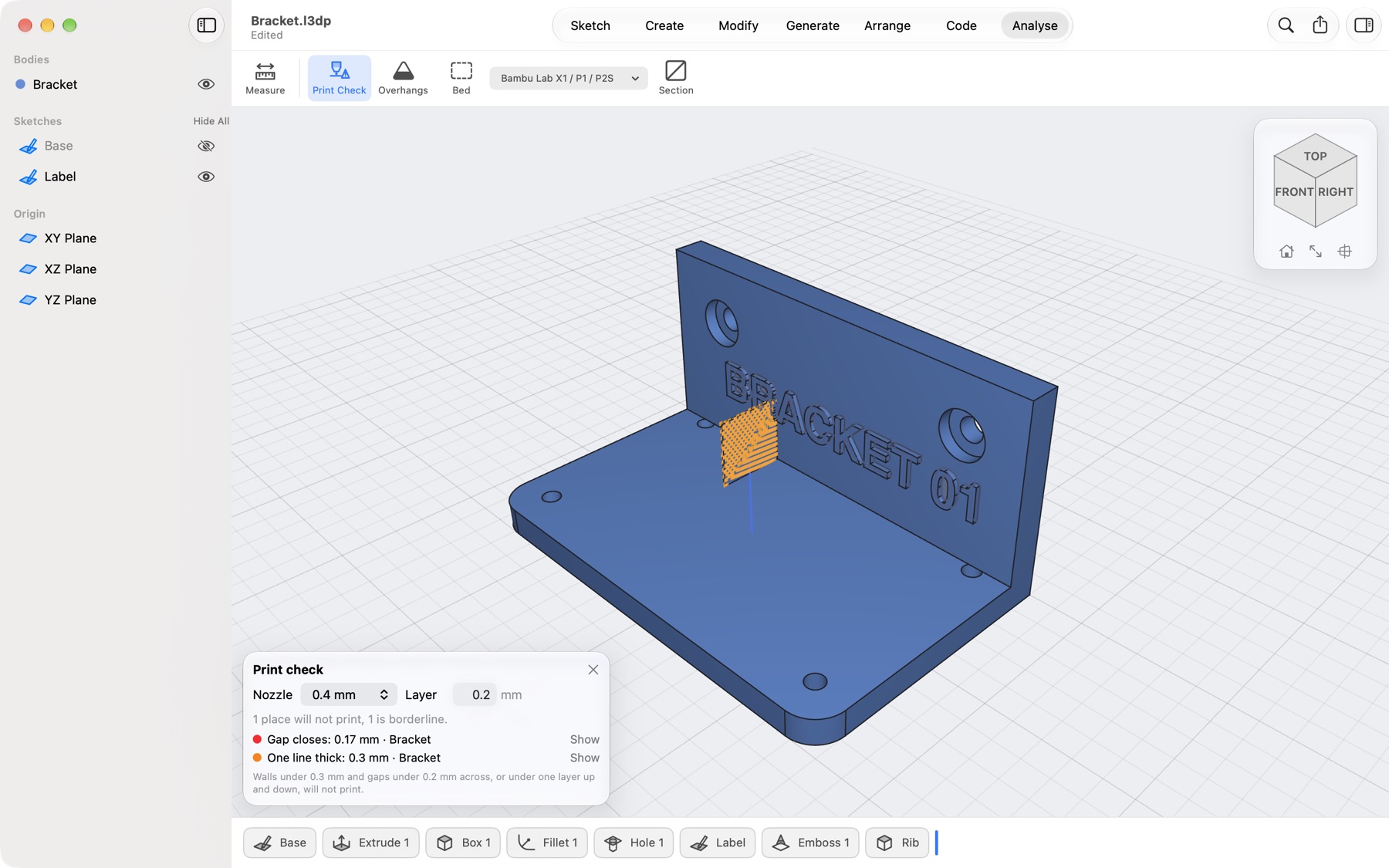
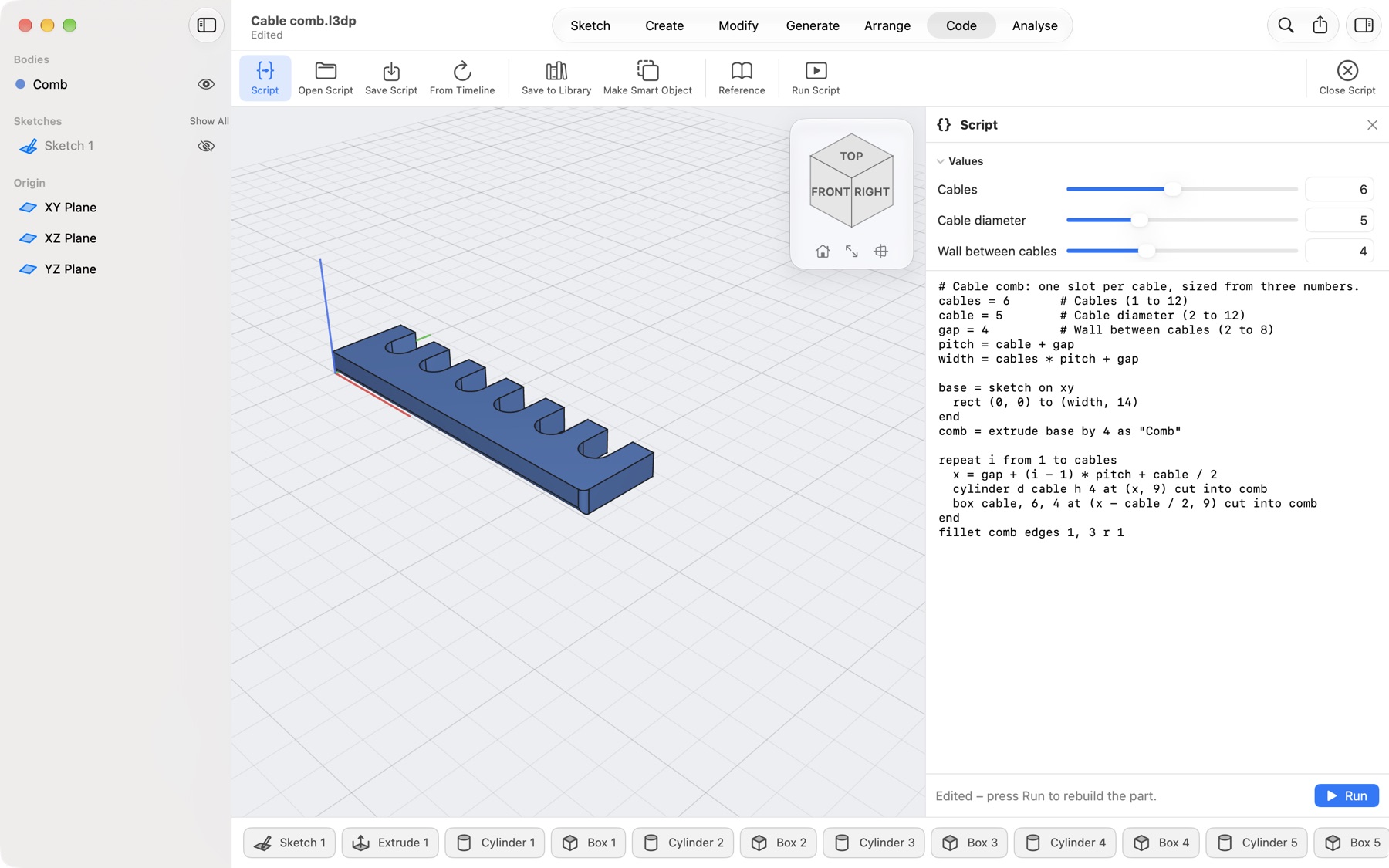
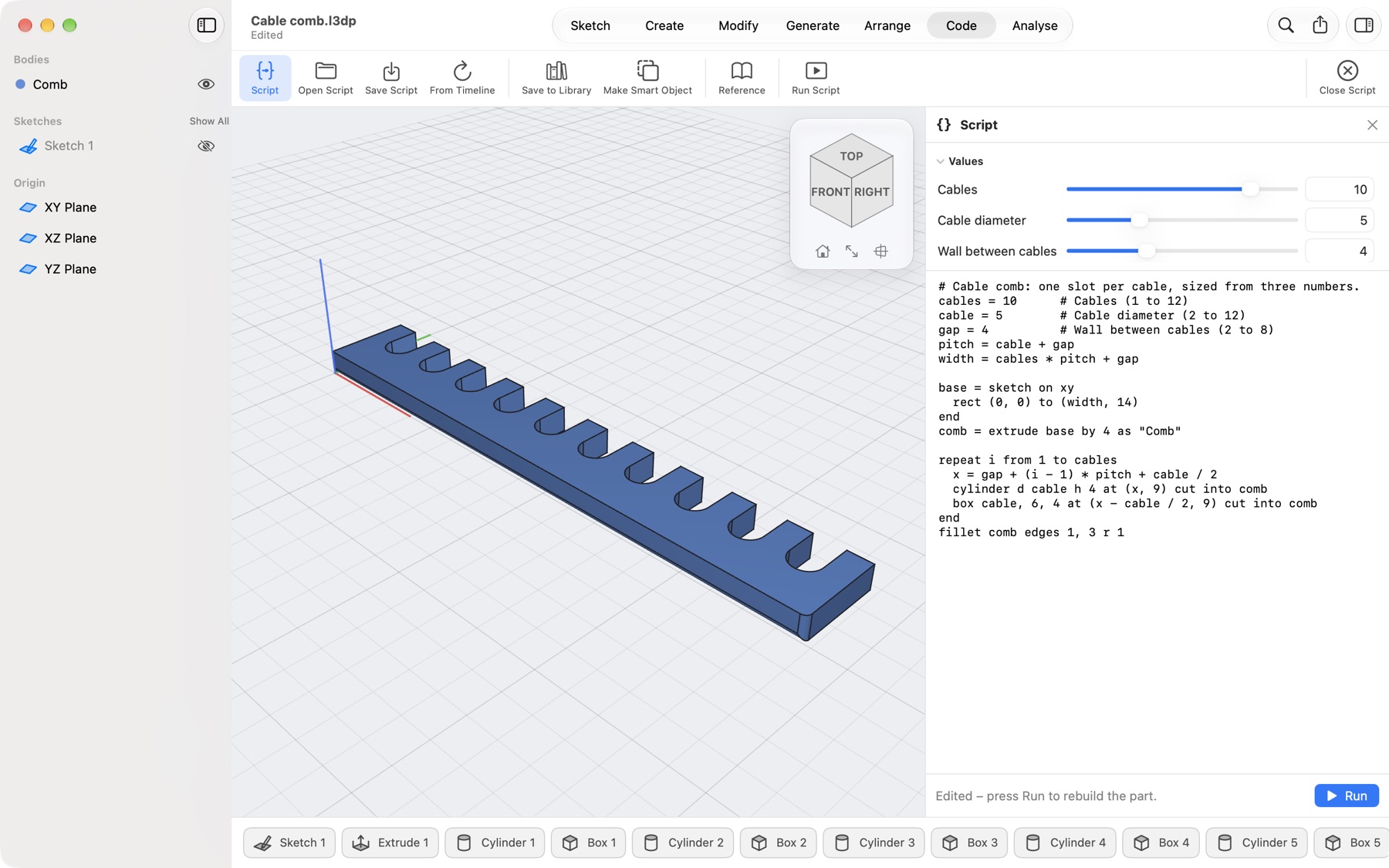
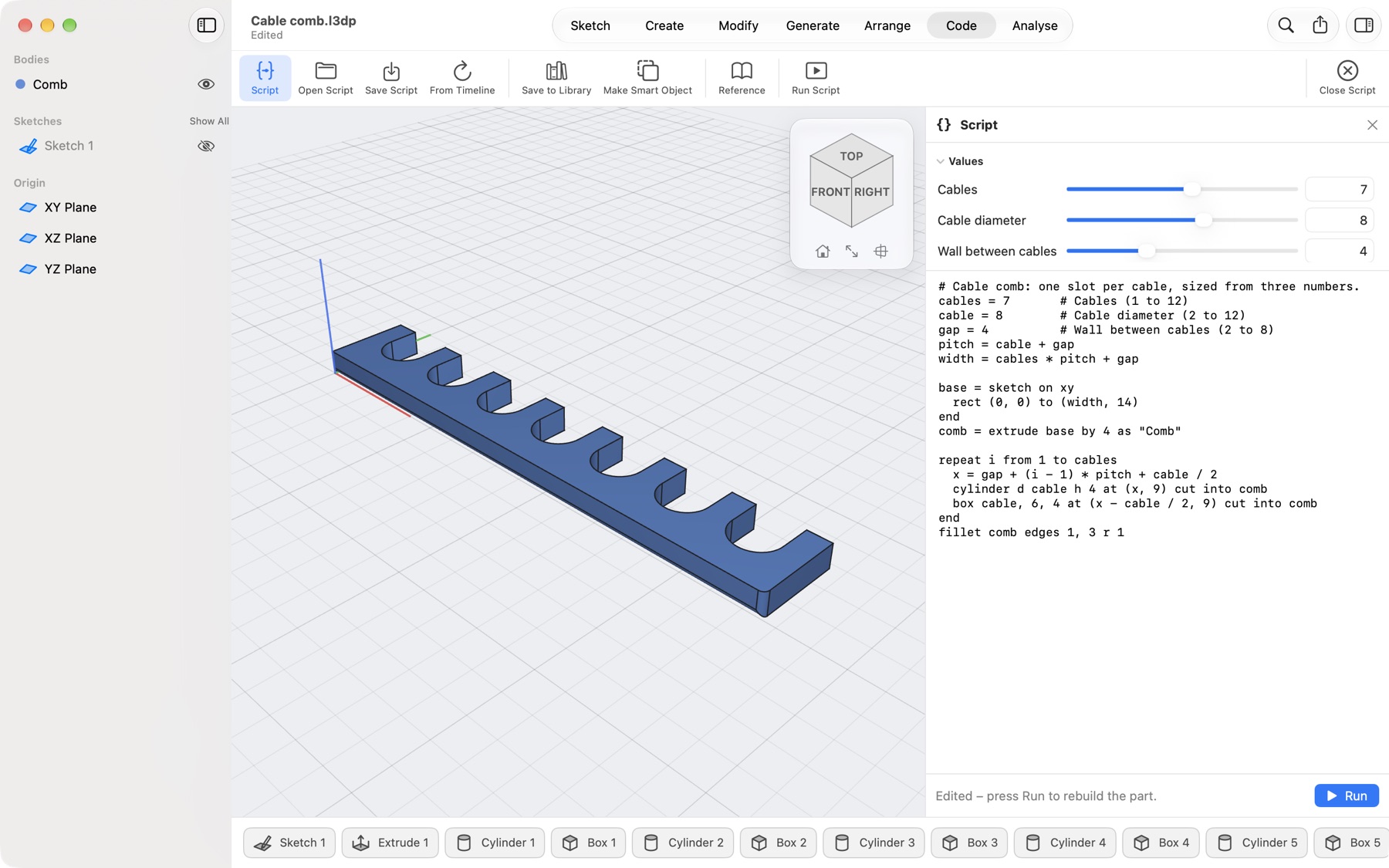
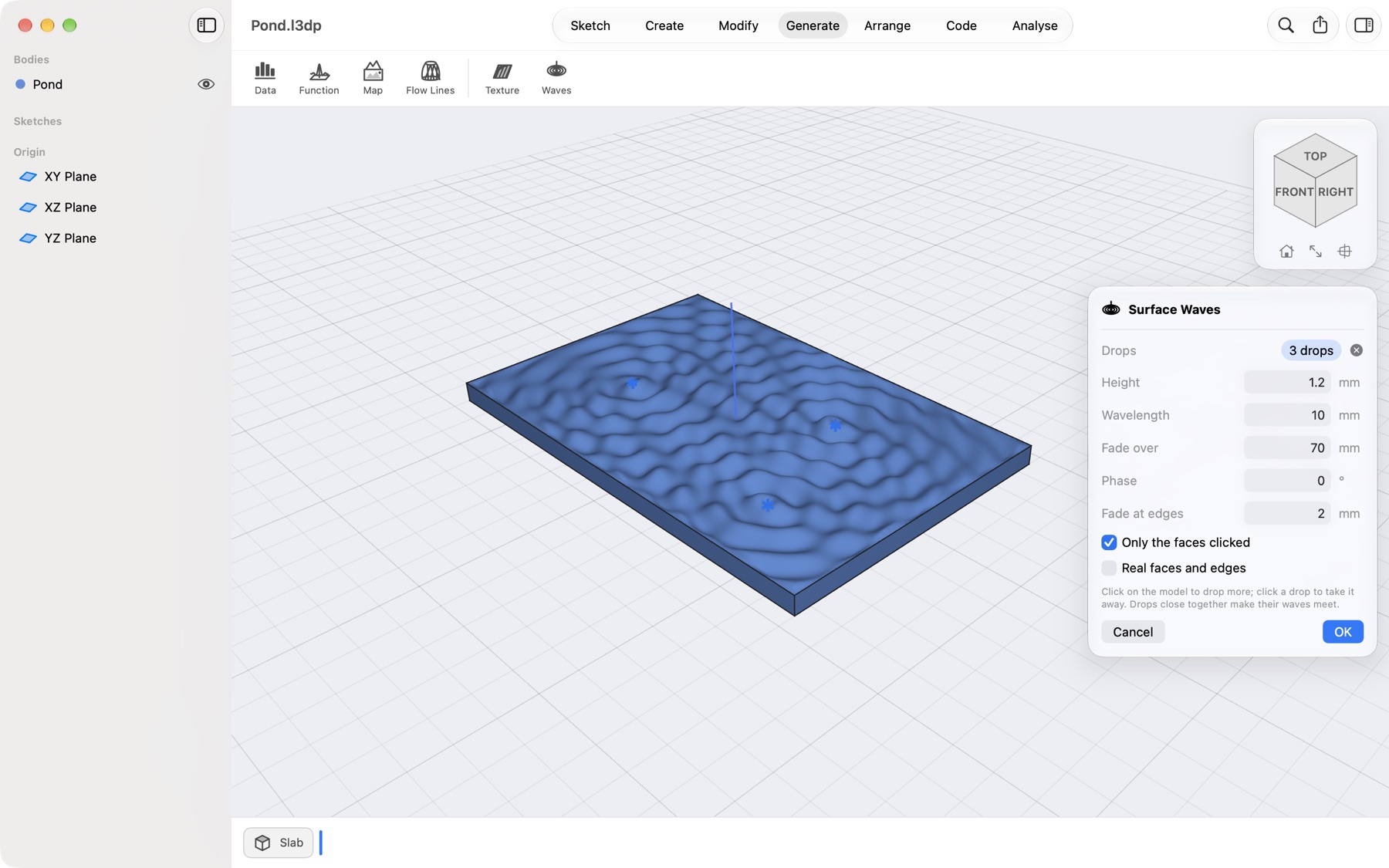
All modelling, the parts library, smart objects, Data to 3D, Flow Lines, the Gear System, Split to Bed, Photo Outline, saving and opening are free. Exporting STEP, 3MF and STL files, Print Check with its fix buttons, keeping textures and surface waves (their preview is free) and running scripts need Lets3dPrint Pro, monthly or yearly, each with a free first week.
Are textures in the files I export?
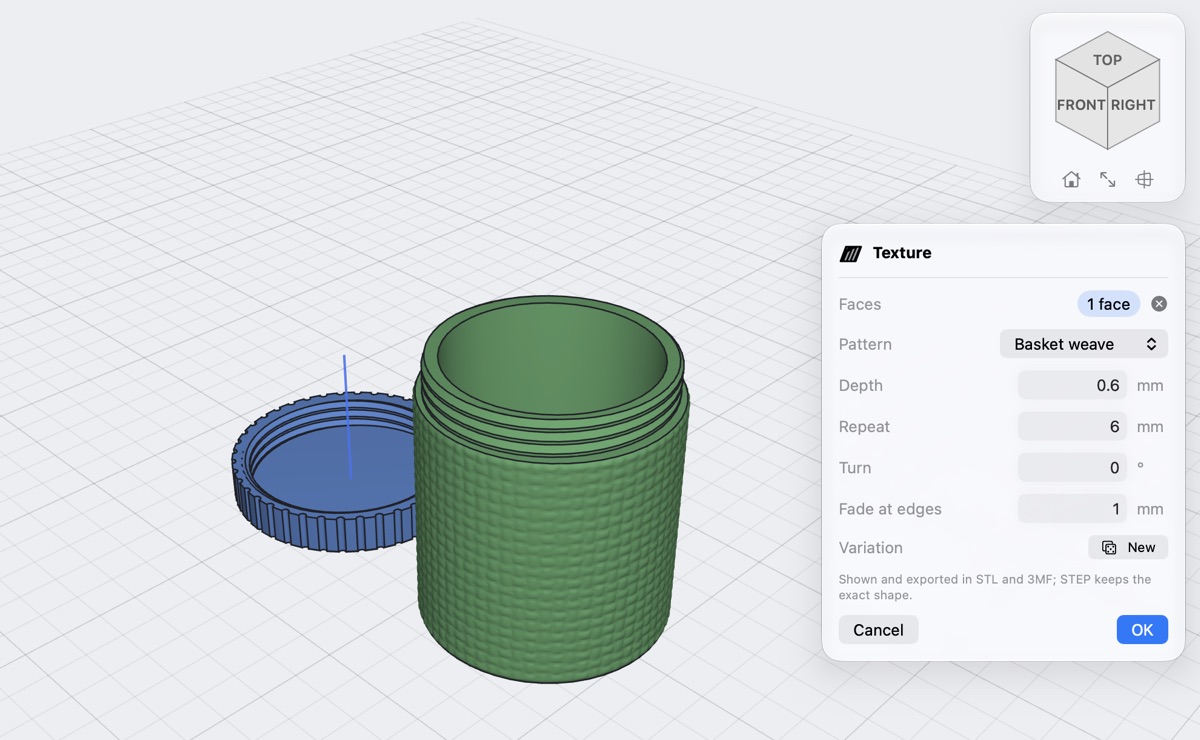
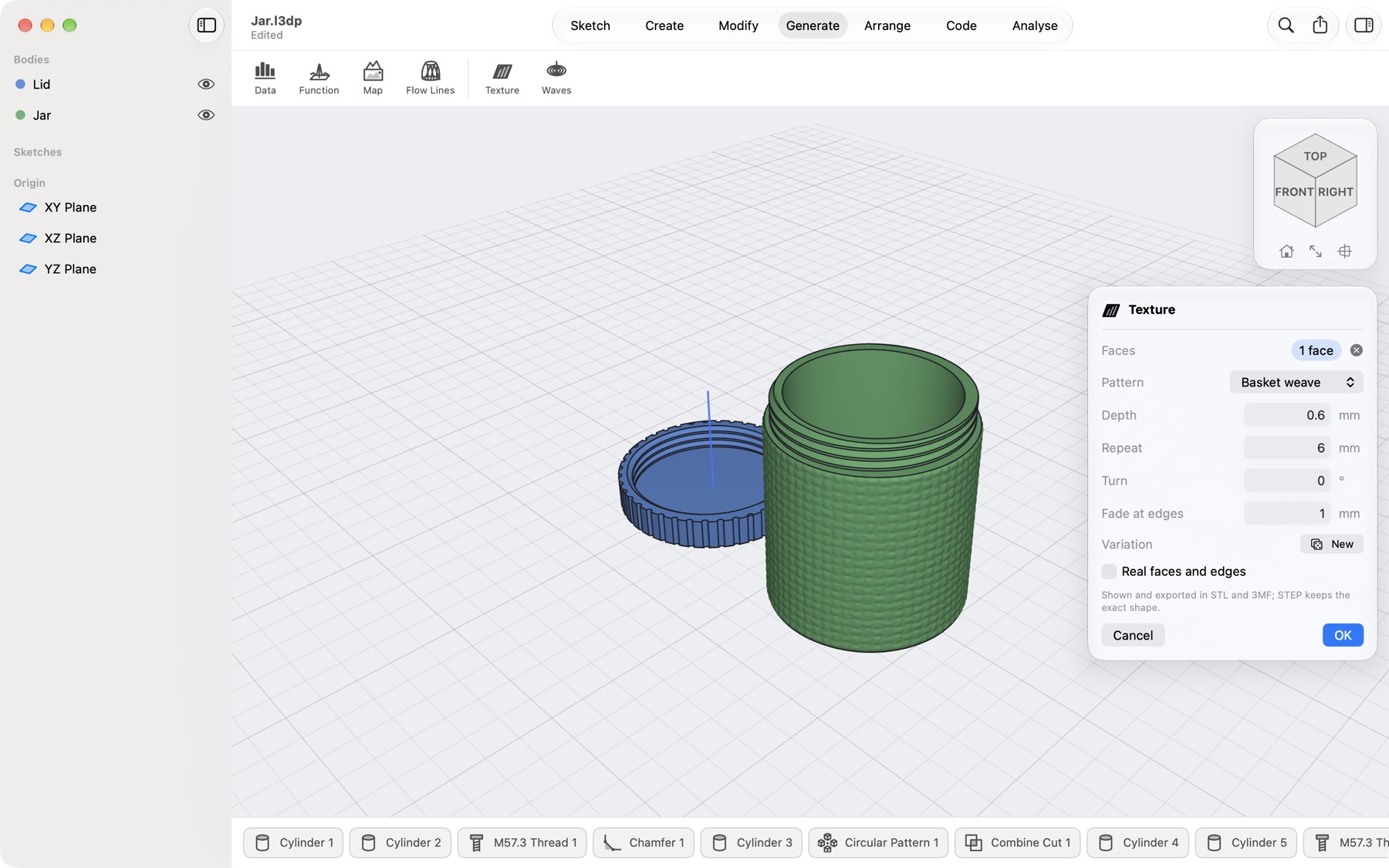
Yes, in STL and 3MF: the textured surface is what your slicer gets, and Print Check measures it. STEP keeps the exact solid without the texture, since STEP describes exact shapes, not relief.
What is a smart object?
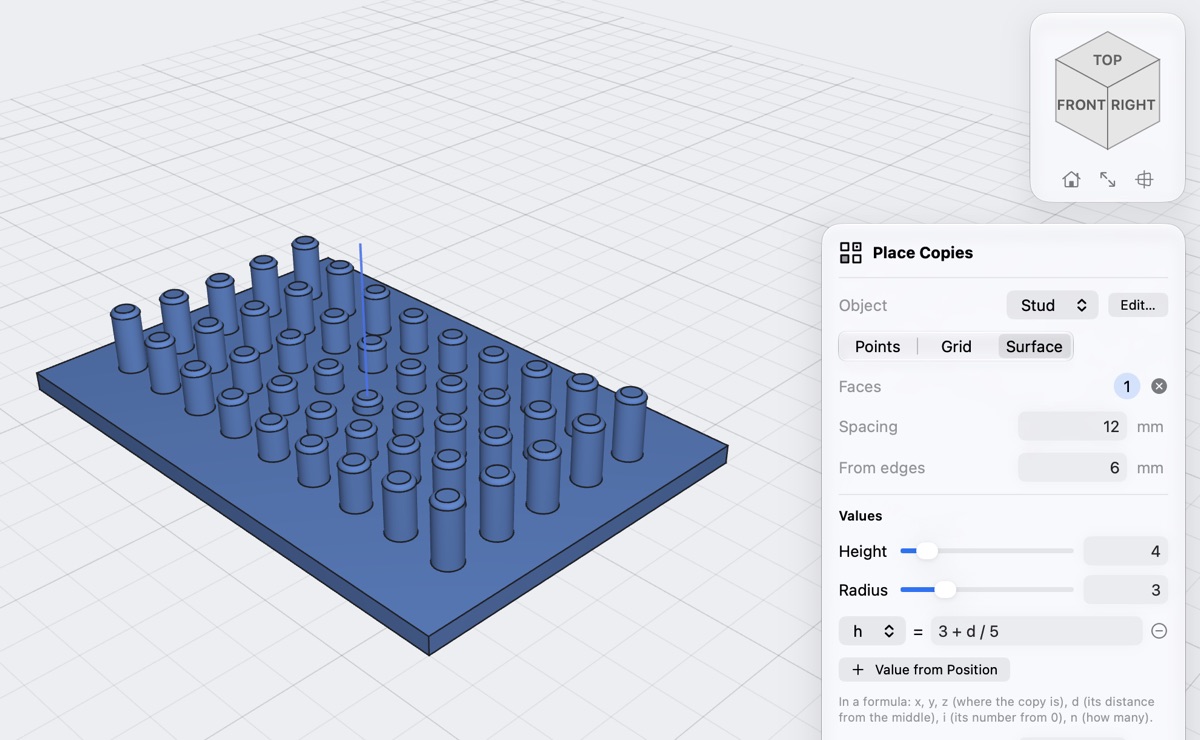
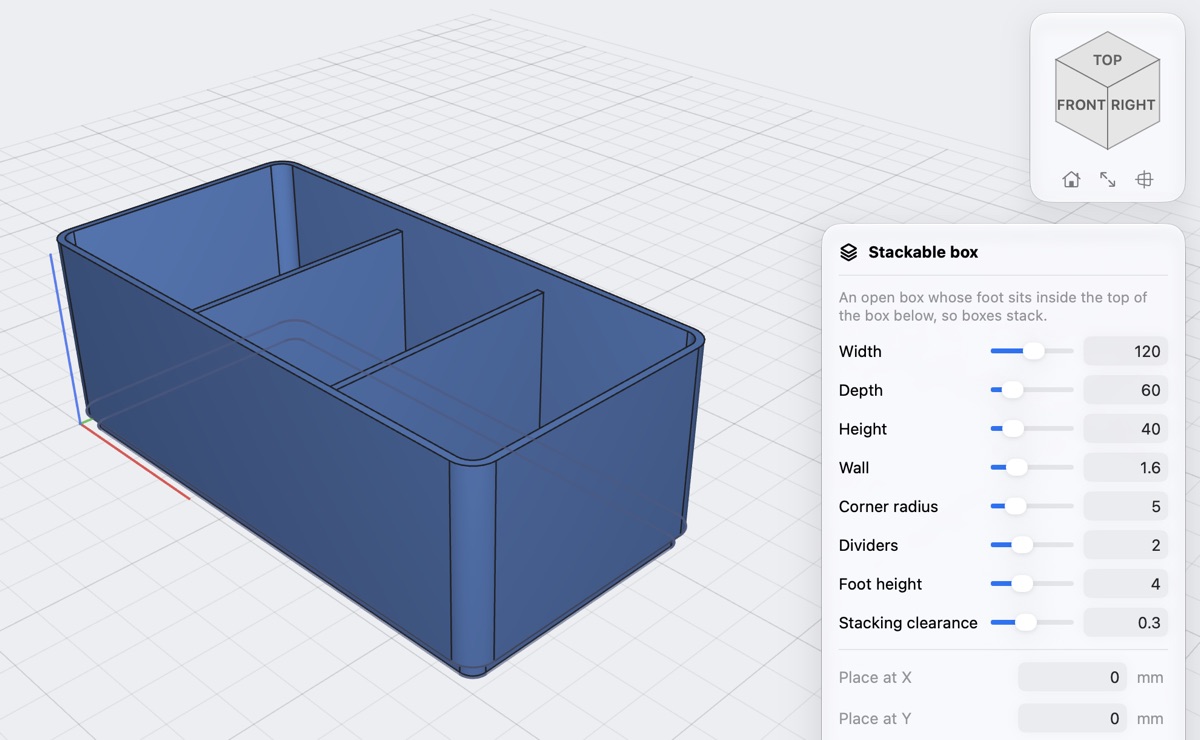
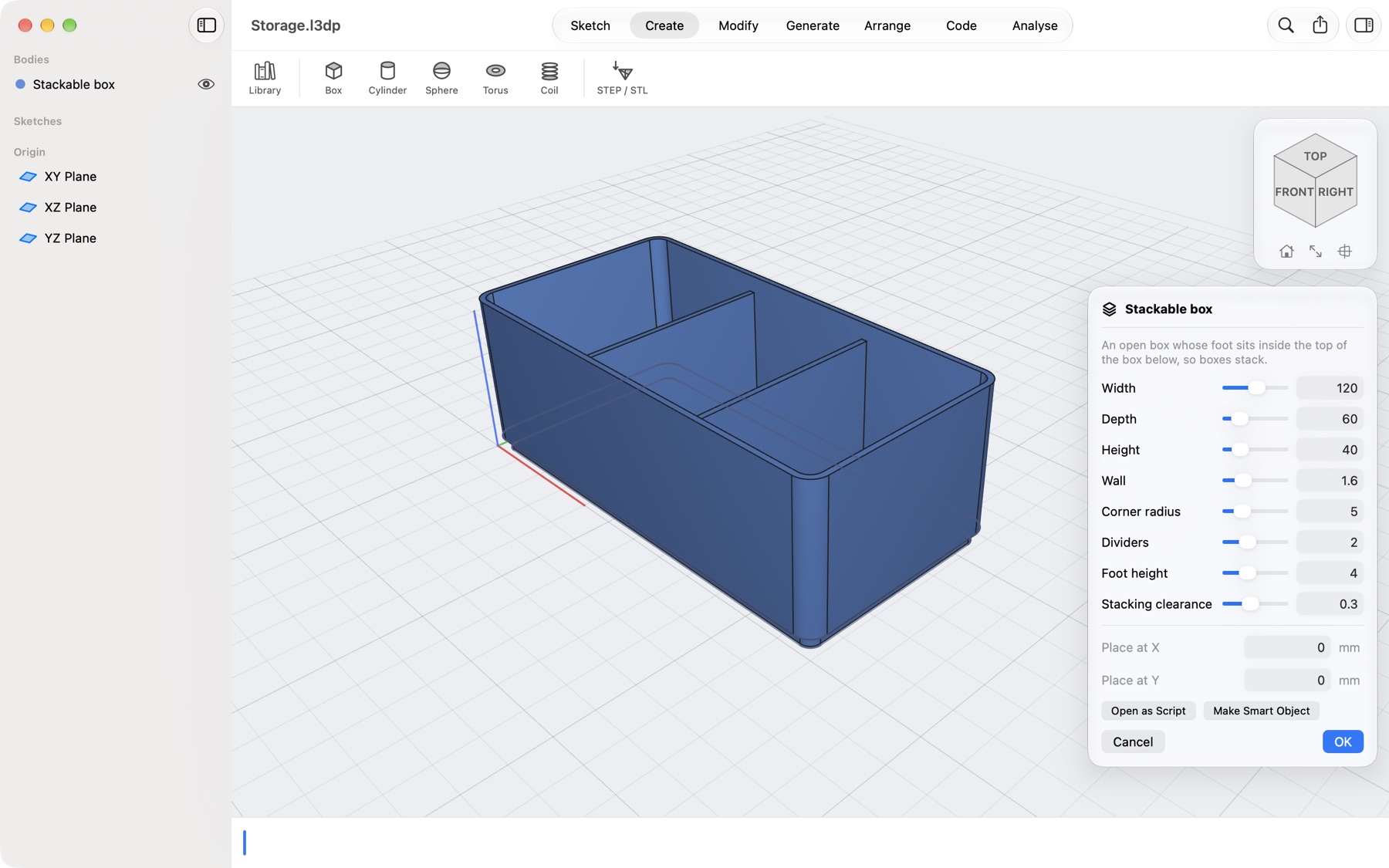
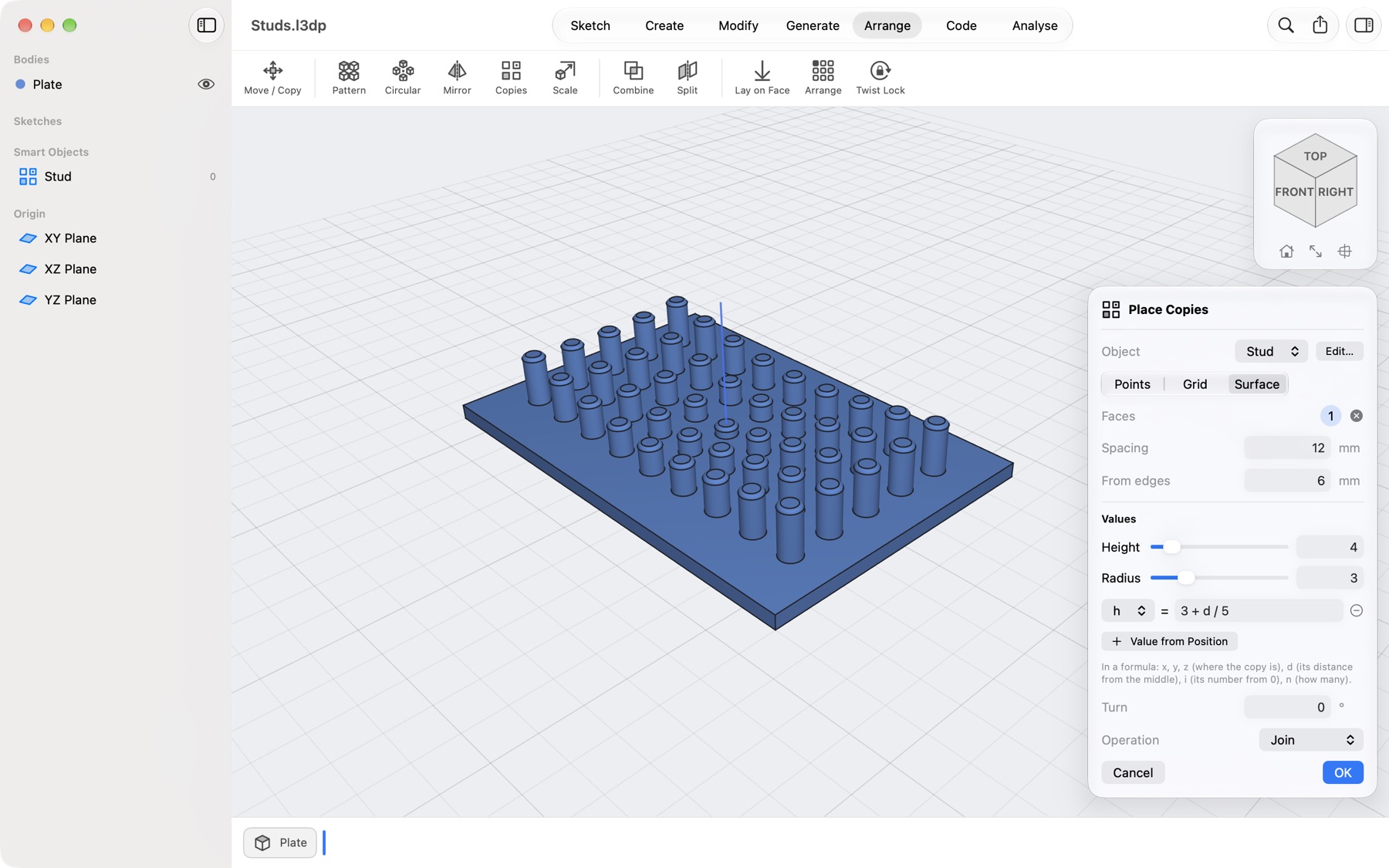
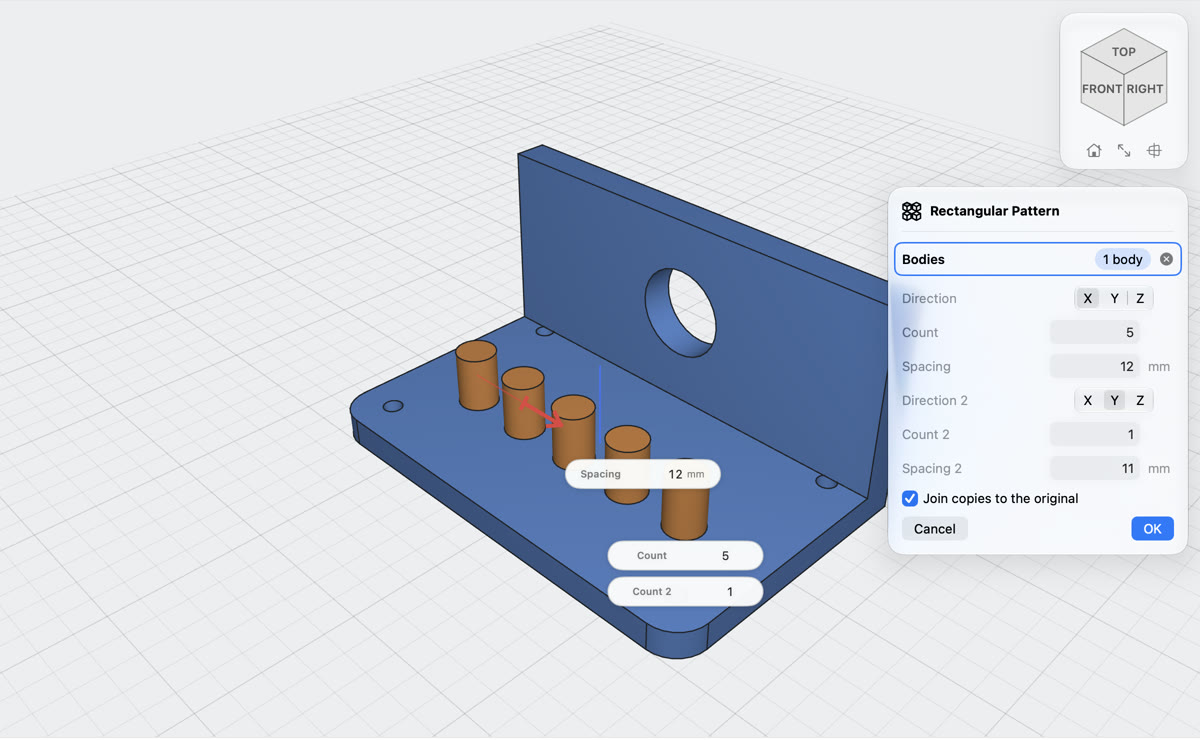
A part with its own steps and values that you keep in the project and place many times: at points, in a grid or spread over a face. Each placement can set the values, and a formula can work them out from where each copy stands. Edit the object and every copy changes. Make one from a library part (Make Smart Object) or from the script panel.
Which tables can Data to 3D read?
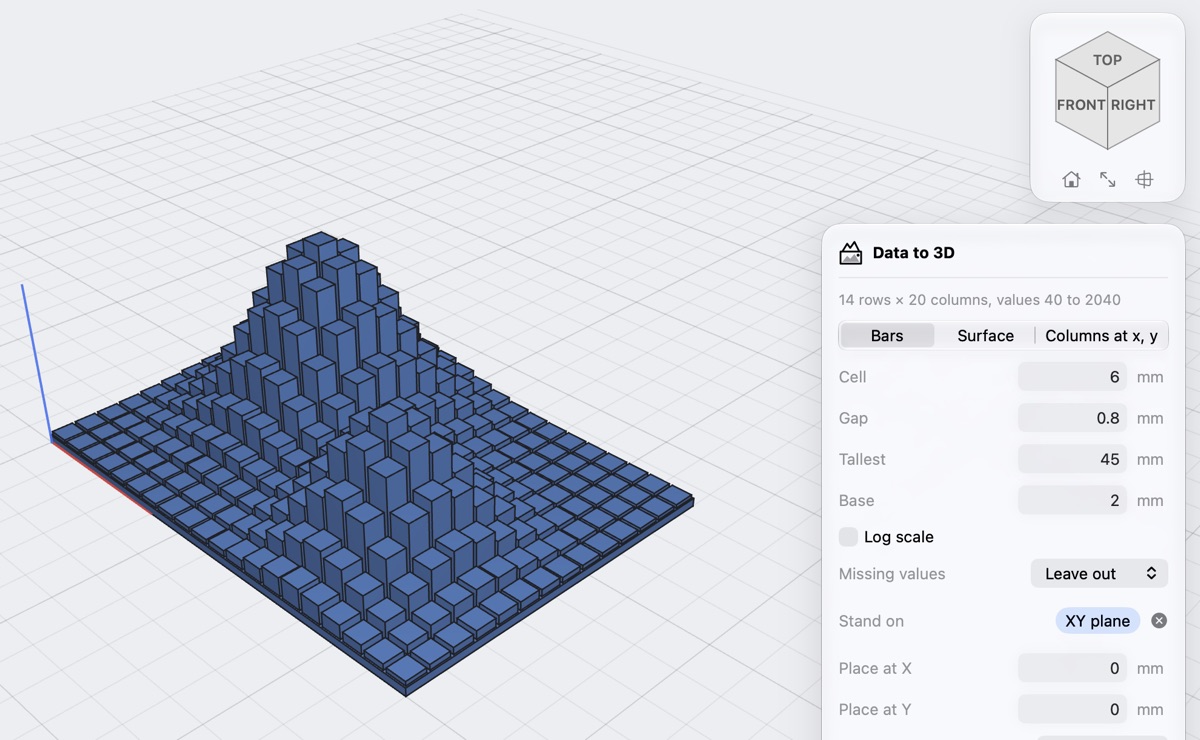
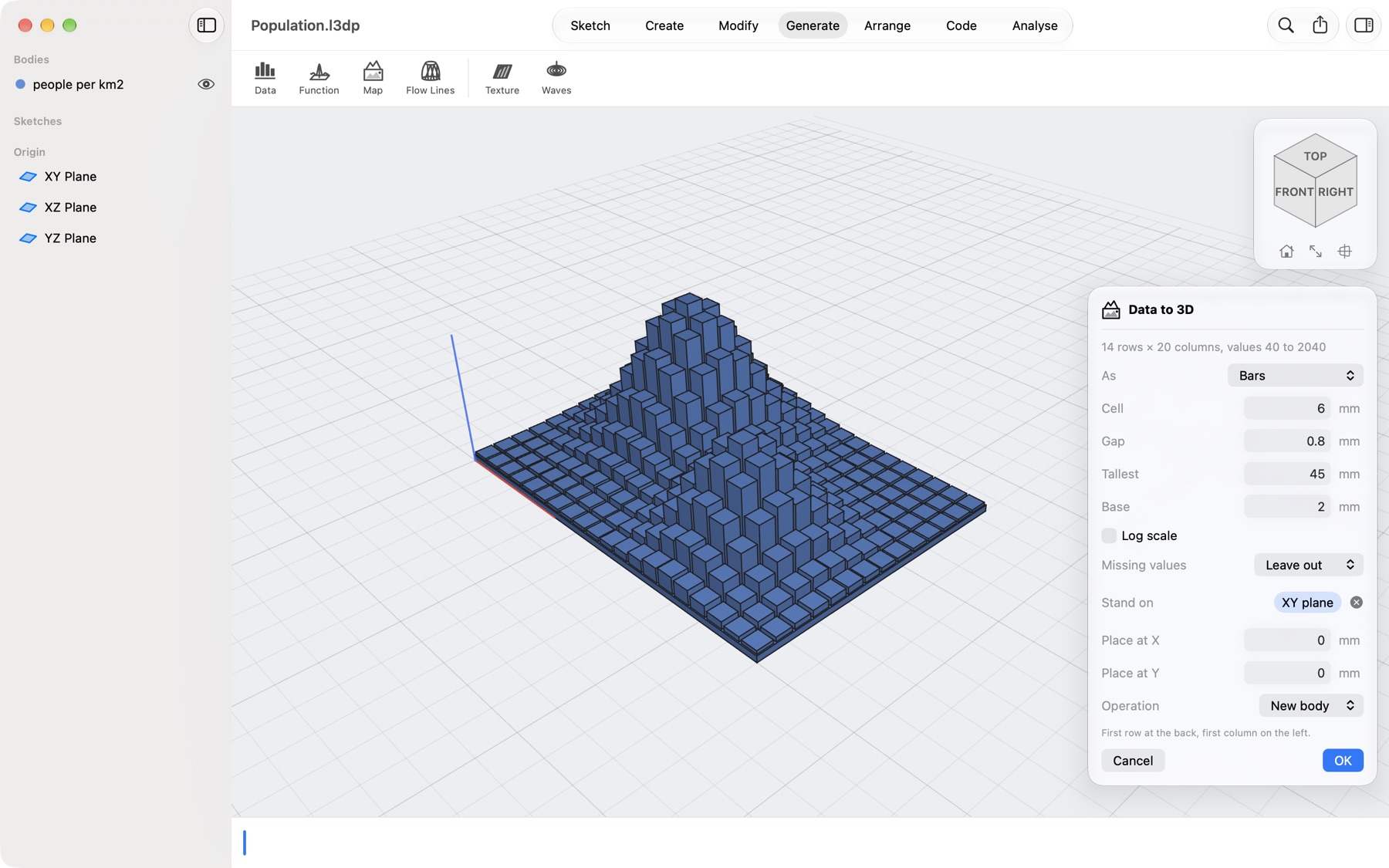
CSV, TSV and text with semicolons or spaces between the numbers. A first row of headings and a first column of labels are recognised and left out; decimal commas work with semicolons and tabs. Three columns of numbers (x, y, value) can become columns standing at x and y.
Can I print a map or a terrain?
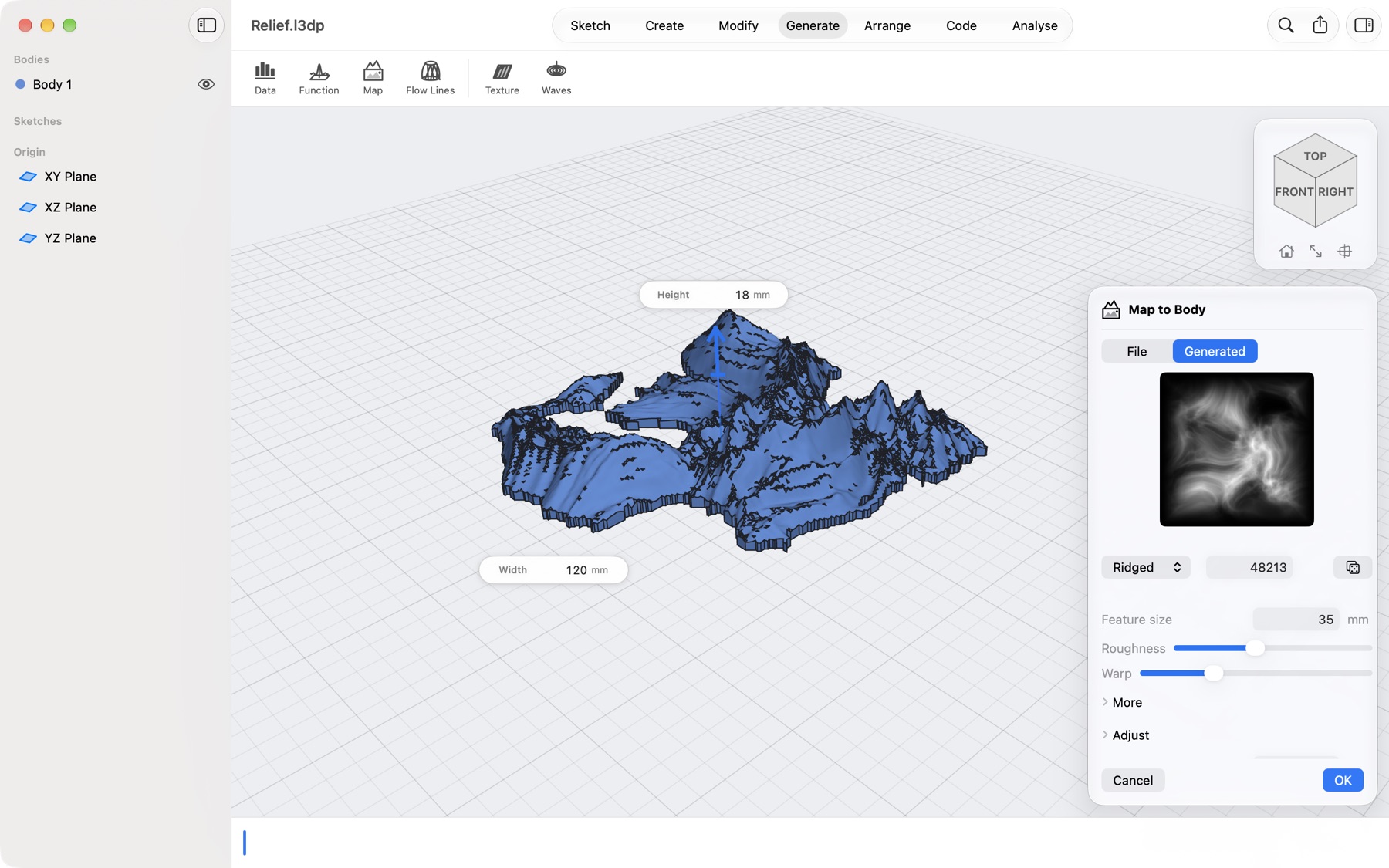
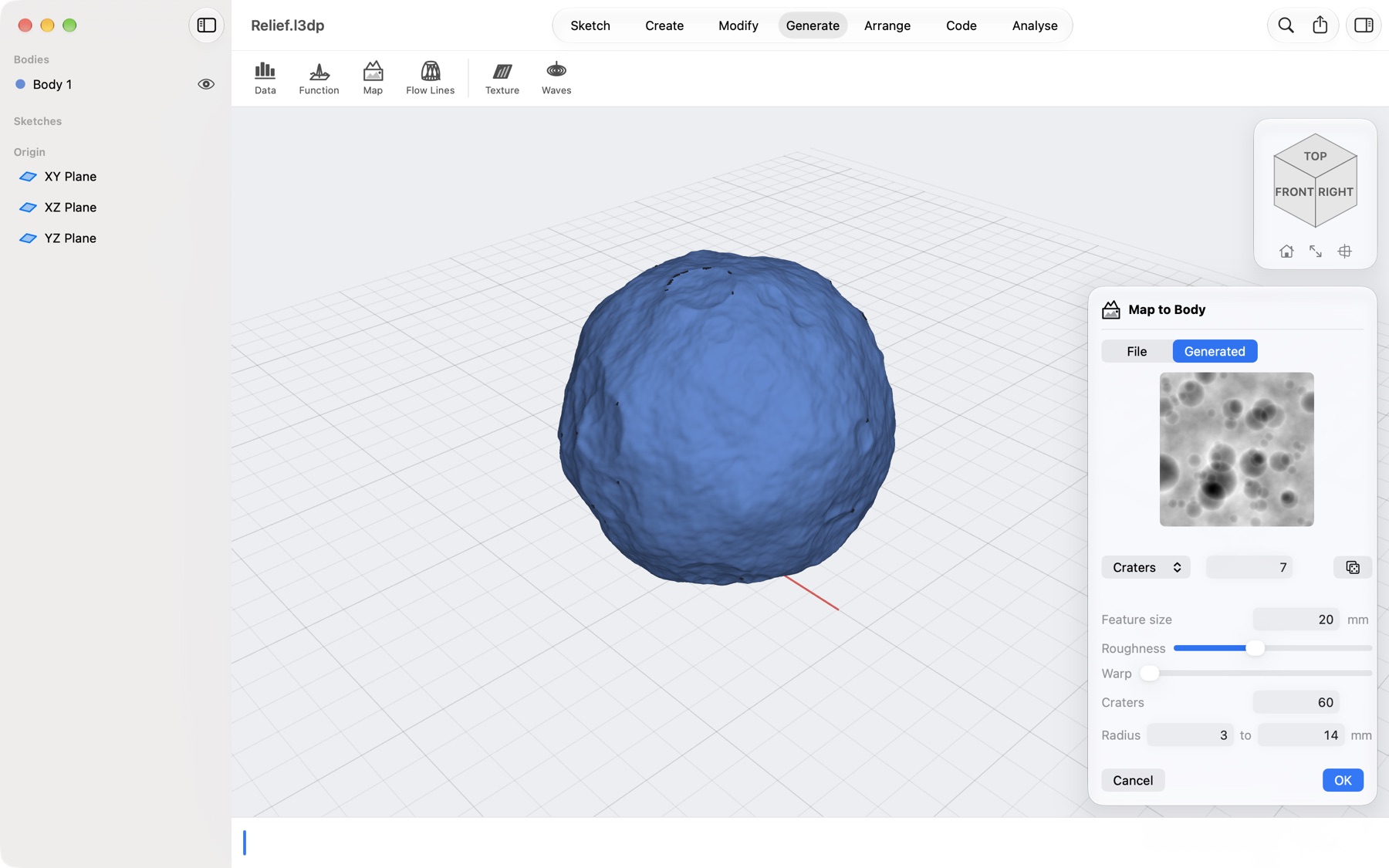
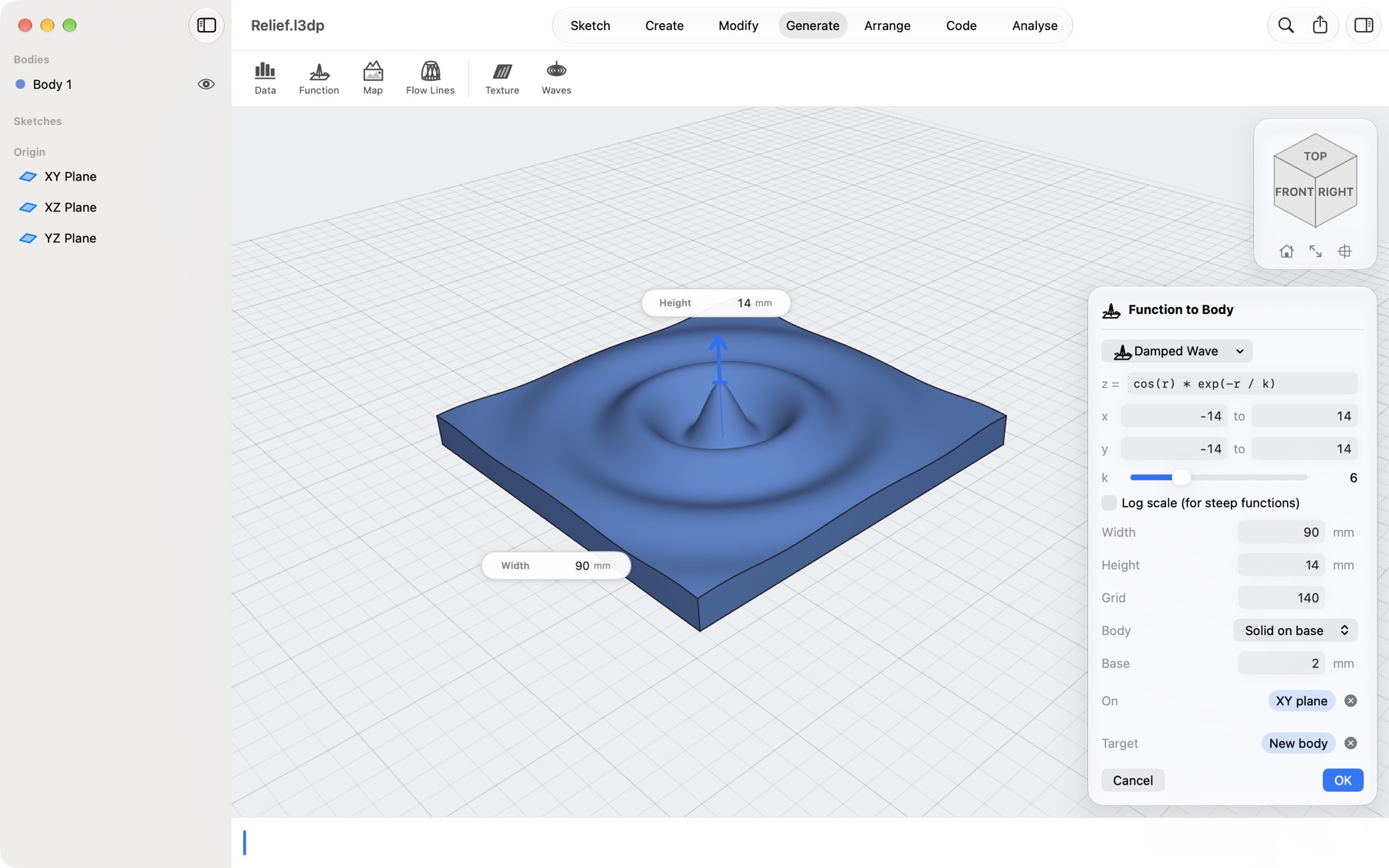
Yes. Generate → Import Map opens an image, a GeoTIFF, an SRTM .hgt tile, an .asc grid or SVG contour lines and makes a relief from it, on a base, as a thin wall or round a globe. Create → Generate Map makes a landscape from a seed. Real heights look flat at map scale, so use exaggeration, or set the height in millimetres.
Can I make a lampshade or a vase?
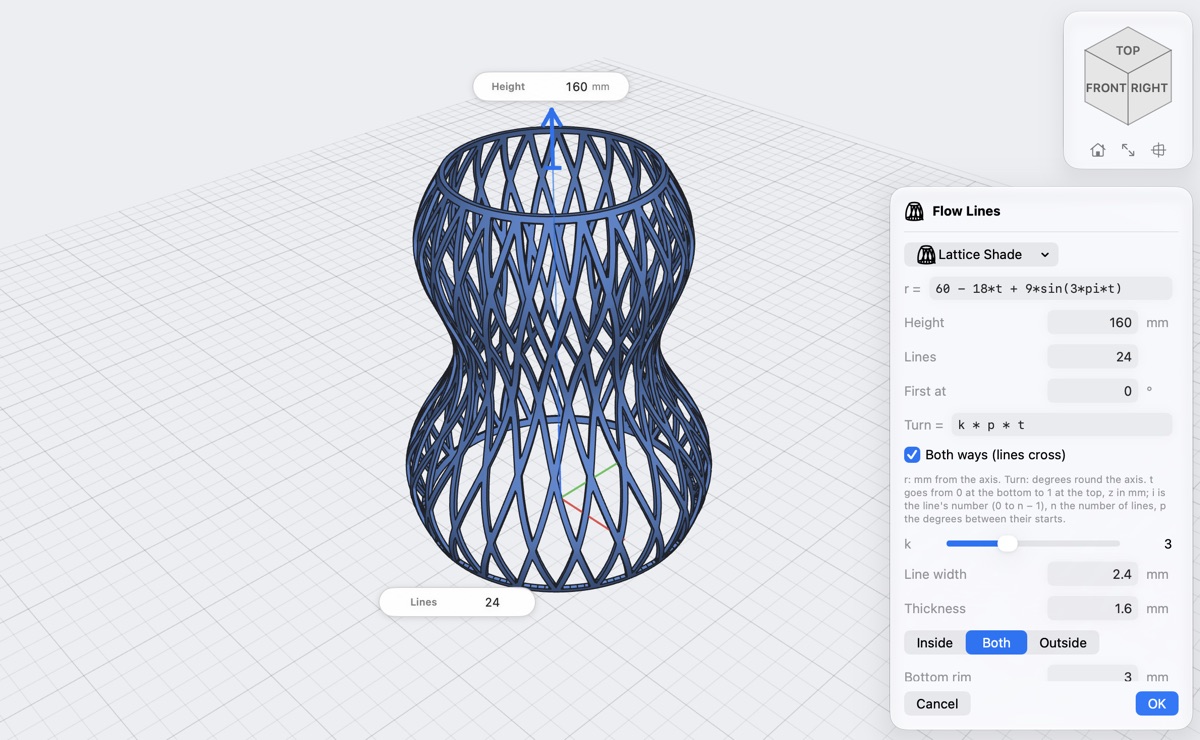
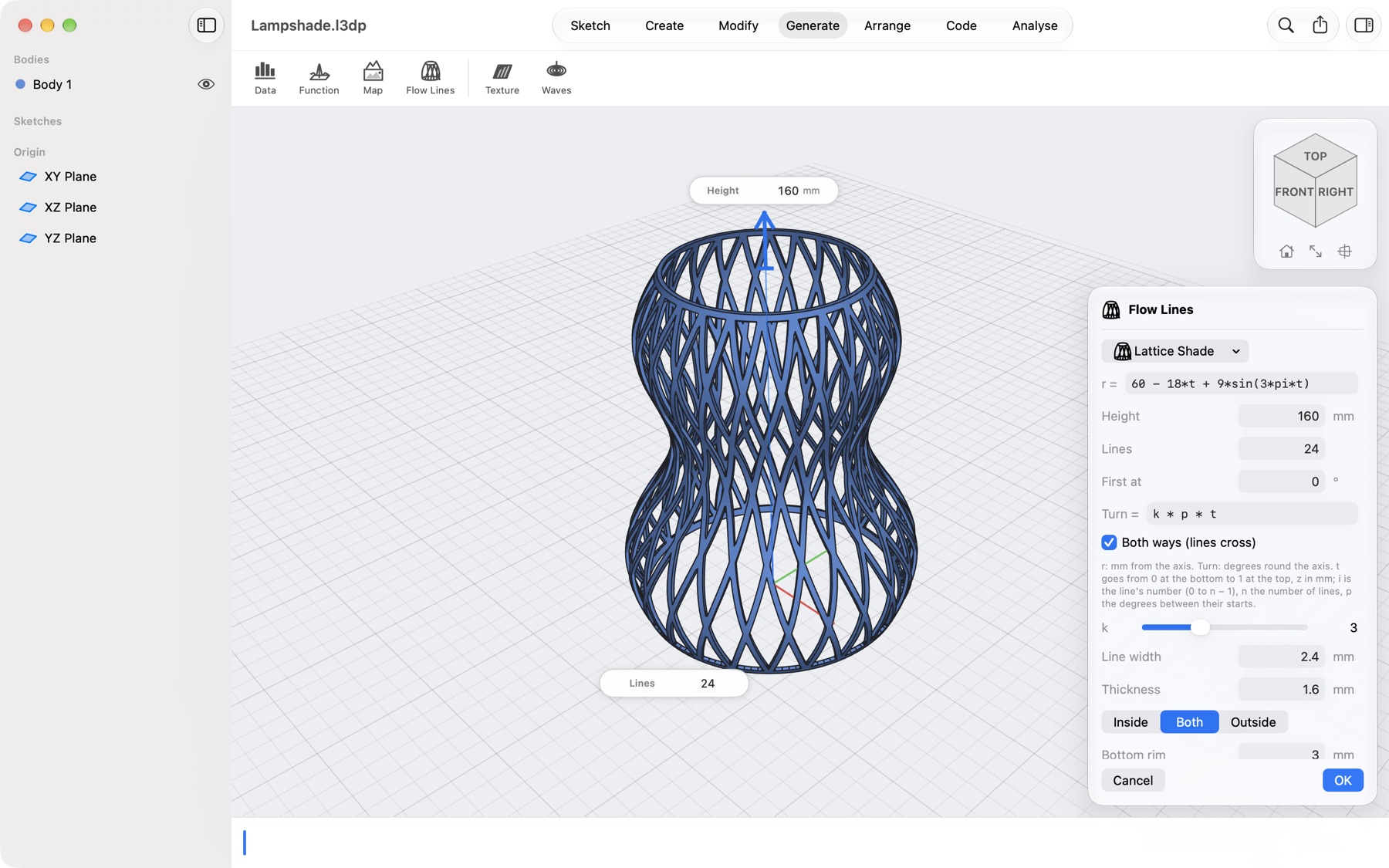
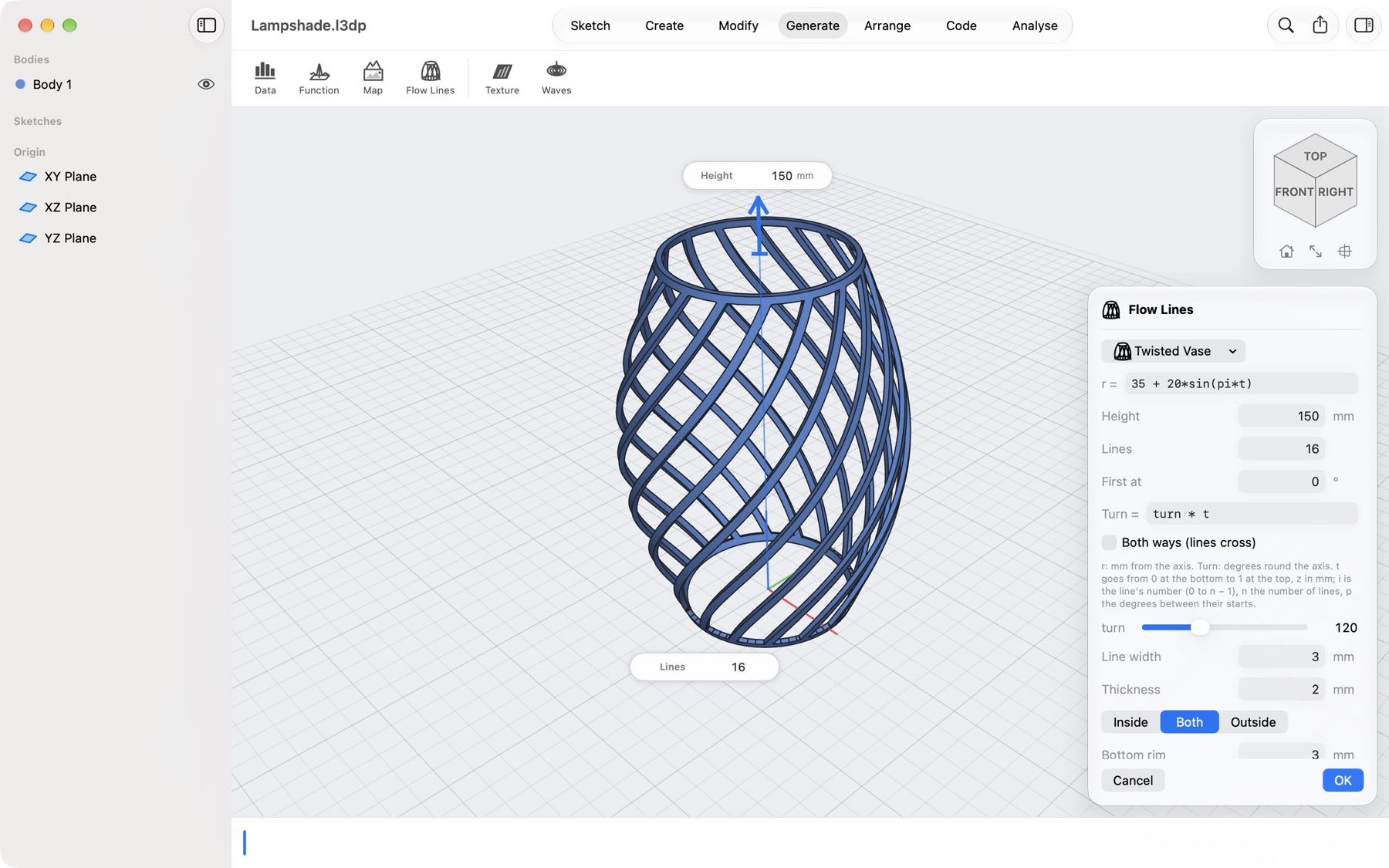
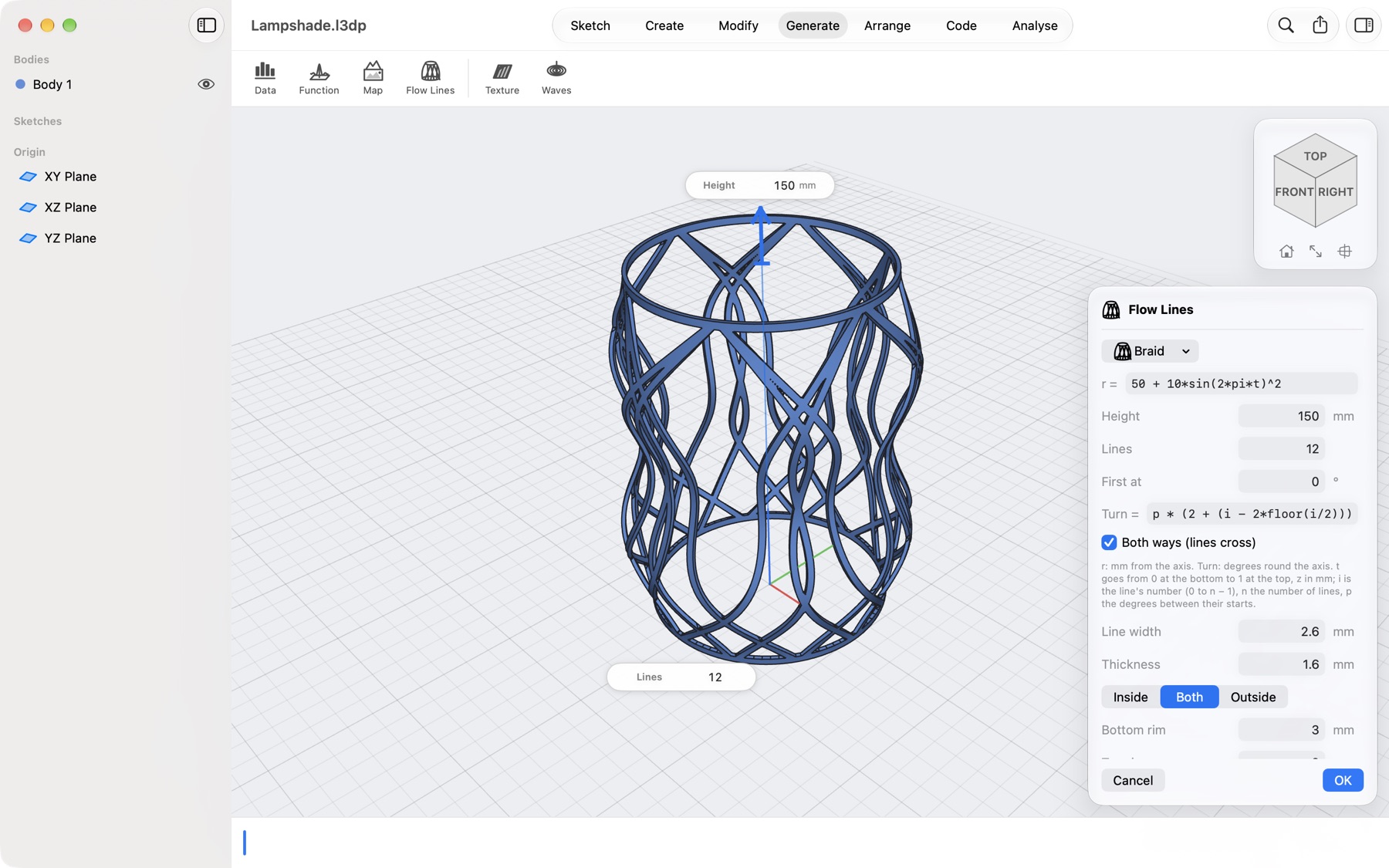
Yes. Generate → Flow Lines opens a lattice shade at once; choose Twisted Vase, Wavy Lines or Braid, or type your own profile and path. The lines and the rims print as one solid with a flat bottom. Pick a flat face first and the lines stand on it, joined to that part.
My part is bigger than my printer. What now?
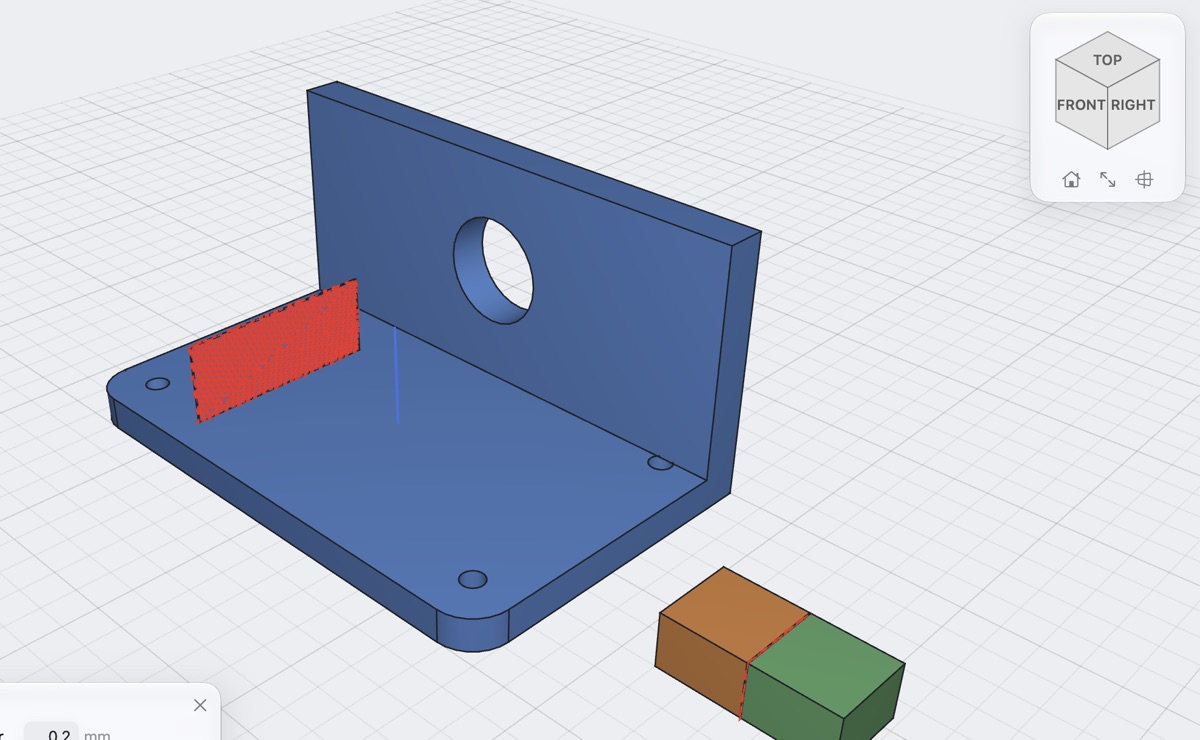
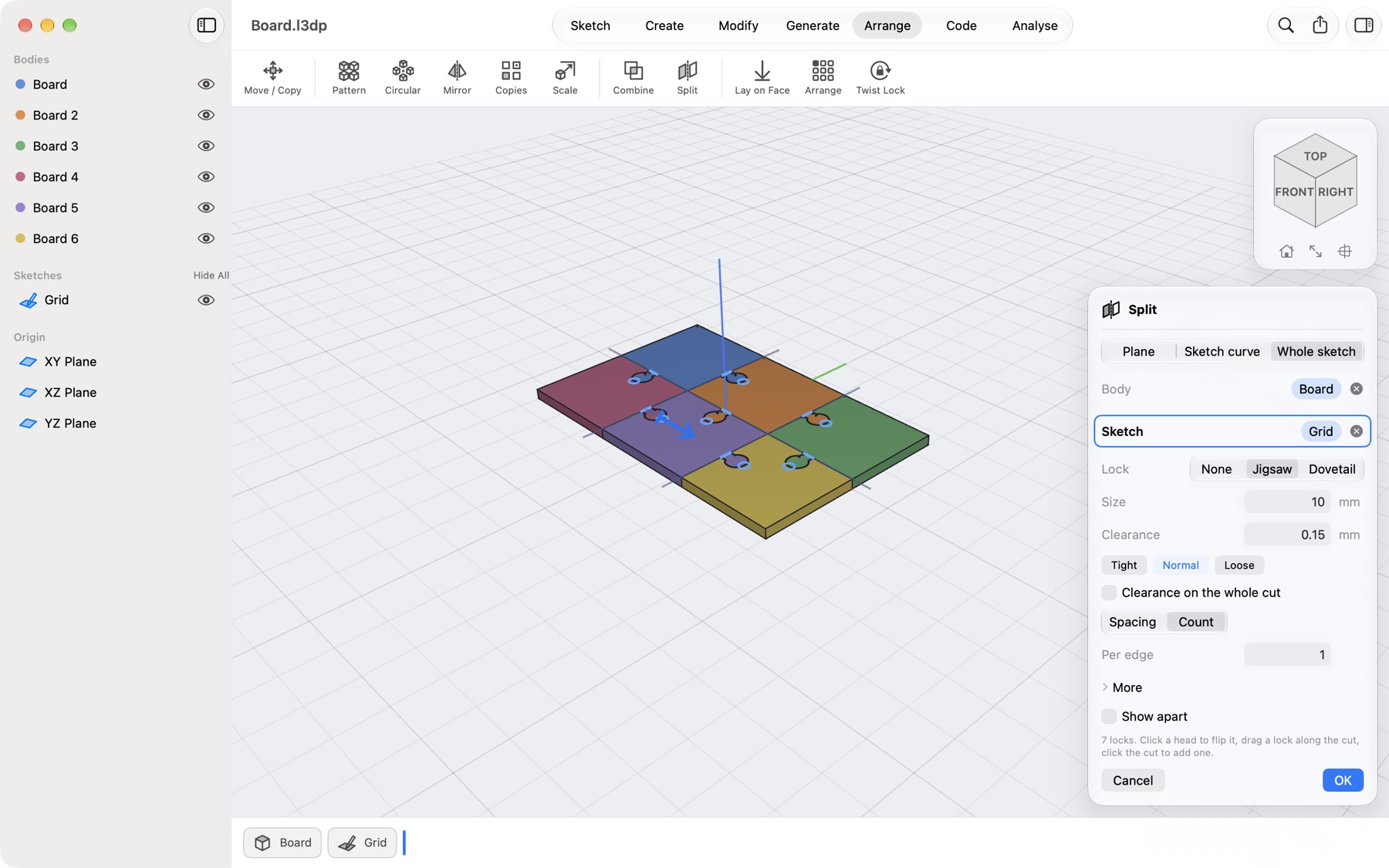
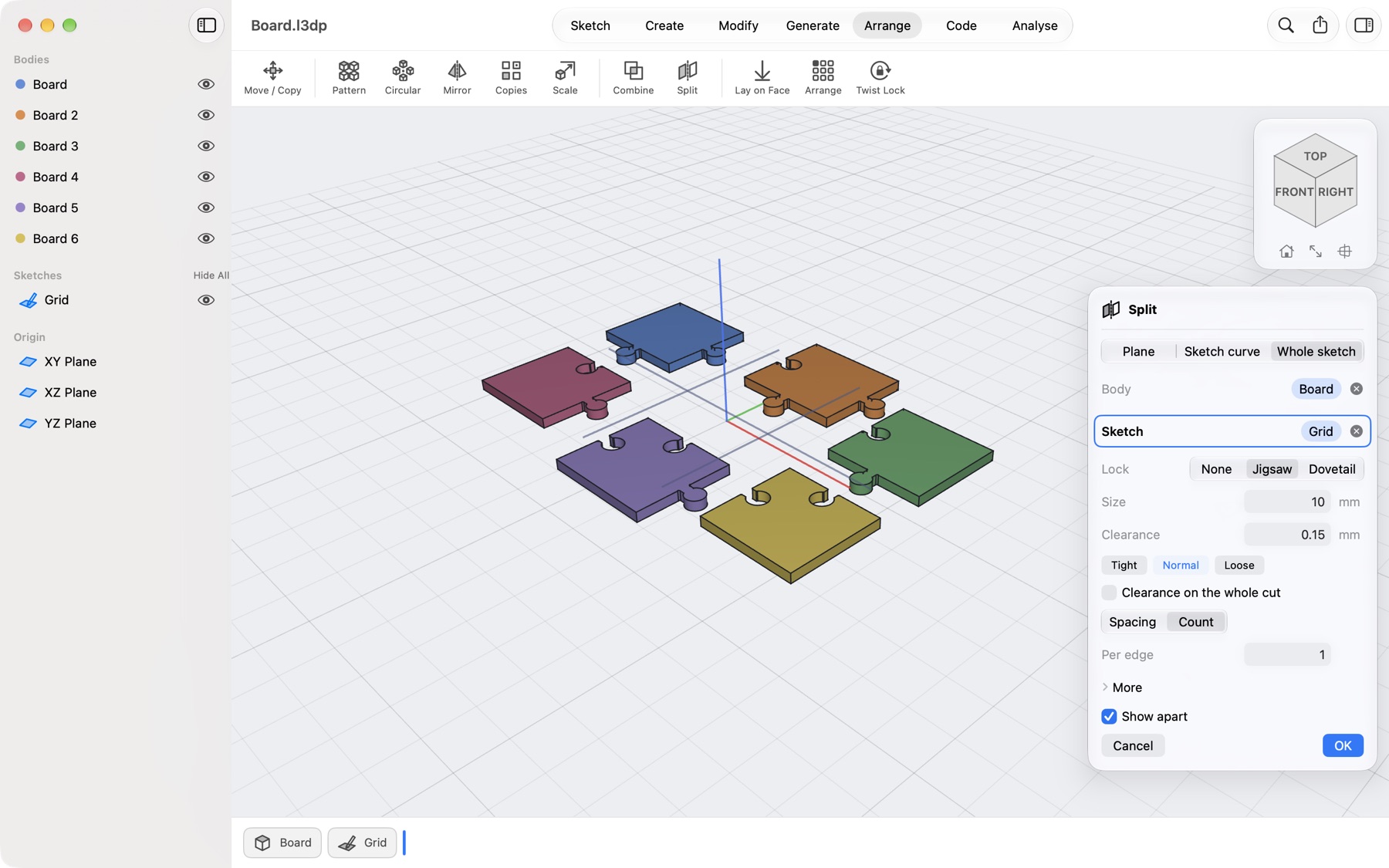
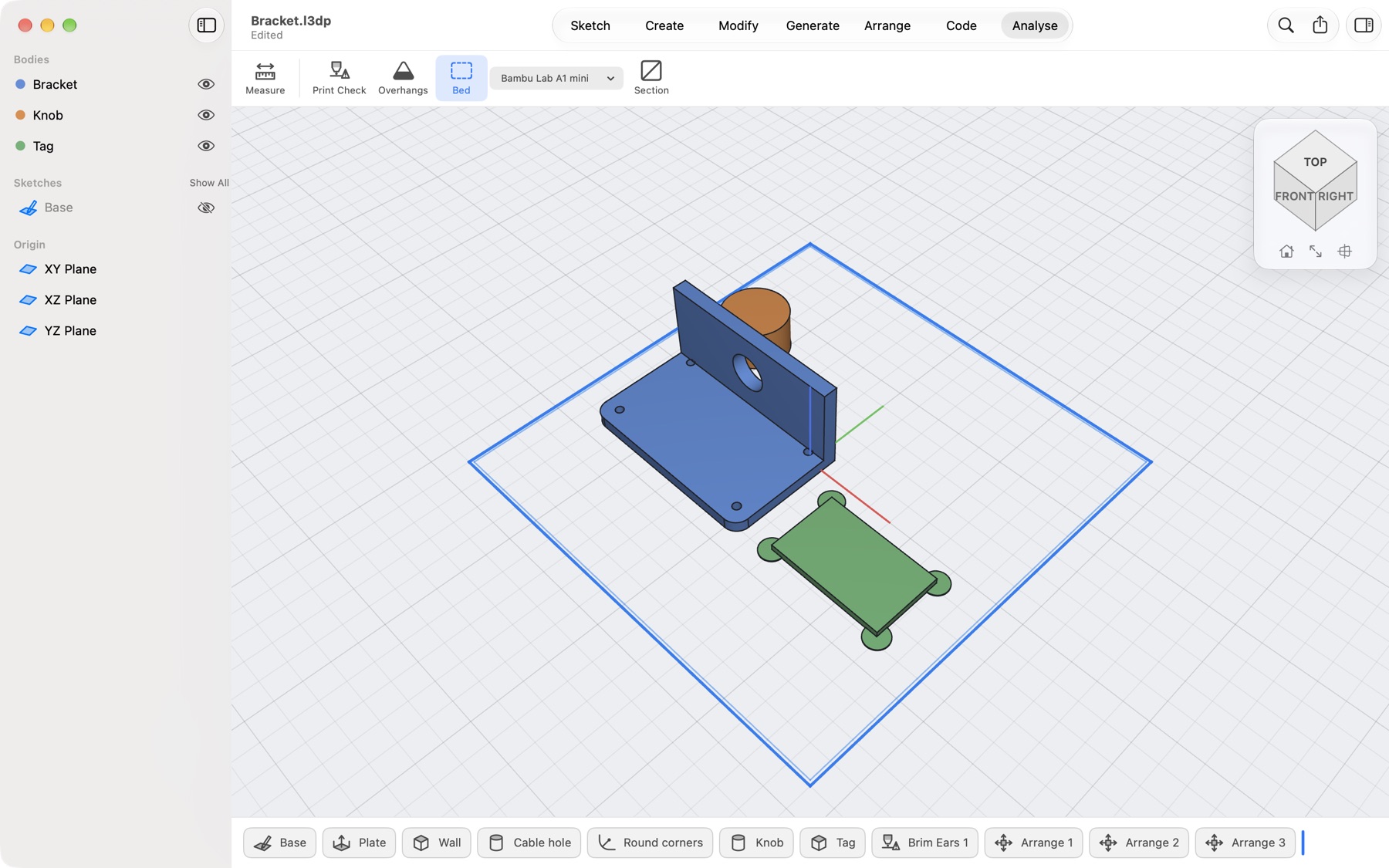
The app tells you when a body does not fit the bed and offers Split to Bed: a grid of cuts sized to your printer, pins or magnet pockets in every cut face with your fit, and A1, A2… on the pieces. Or draw your own cut lines in a sketch and choose Split → Sketch curve or Whole sketch for jigsaw or dovetail locks that slide together after printing.
Can it make a gearbox?
Yes. Generate → Gears: type the ratio and direction of each output, the number of layers and where the input is, and the app lays out the smallest spur-gear train that does it, with a plate and pins, as bodies you can print. Press Play to see it turn. The option that puts a ring of equal outputs round the input is in the App Store version only.
Can I get the app without the App Store?
Yes. Download the .dmg, open it and drag Lets3dPrint to Applications. It is signed and notarised, so macOS opens it without warnings, and it is the Free plan: all modelling, the parts library, smart objects, saving and opening. Export, Print Check, textures, waves and scripts are Pro, and Pro is sold only in the App Store version; the direct copy shows you that where you would buy it. The .dmg stays at version 1.7 and does not update itself: new features come to the App Store version. Both copies open the same project files, so you can move over at any time.
Is there an iPad version?
The Mac app comes first. The app is built to run on iPad too, and an iPad release is planned.
How do I cancel a subscription?
Open the App Store, click your name, then Account Settings → Subscriptions. You keep Pro until the end of the period you paid for.
A tool I need is missing. Can I ask for it?
Yes, please. Request a feature and tell us what you want to print. In the app it is under Help → Request a Feature… and in Settings.
I bought Pro on another Mac. How do I get it here?
Open Lets3dPrint → Settings → Pro and click Restore Purchases, signed in with the same Apple Account.
 Lets3dPrint